Anonymize documents in batches
With Ocultia Pro and Enterprise, you can redact batches of 2–25 PDF, DOCX, or ODT files while preserving their format. Your original files stay intact. Ocultia creates copies with permanent redactions.
-
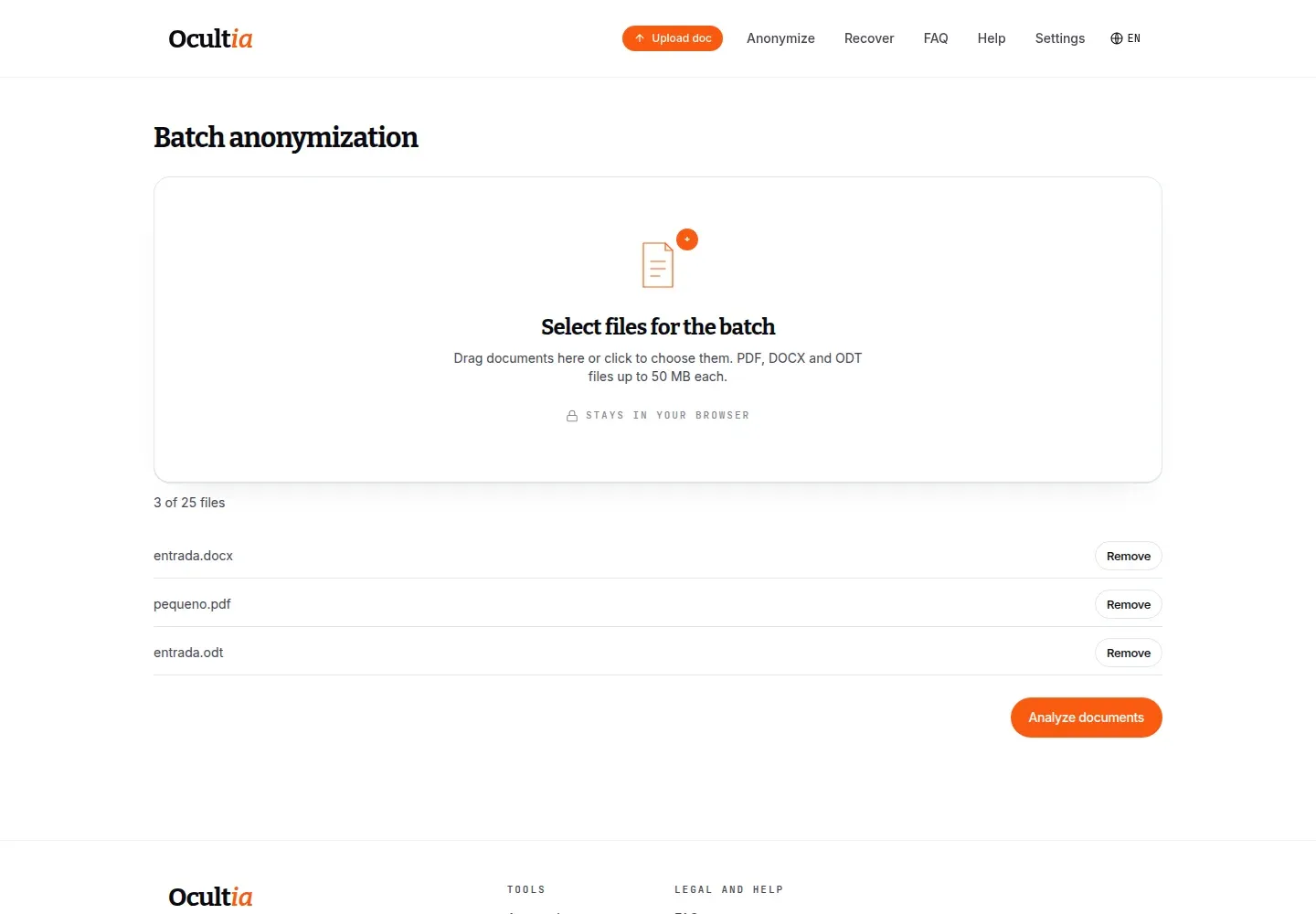
On the home page, select the batch anonymization option and add 2–25 Word, PDF or LibreOffice files. You can mix formats.
You can also select or drag and drop 2–25 PDF, DOCX, or ODT files directly on the home page. The batch screen opens automatically with the files already loaded.
-
To apply dictionary rules, unlock the dictionary and choose the groups before starting the analysis.
-
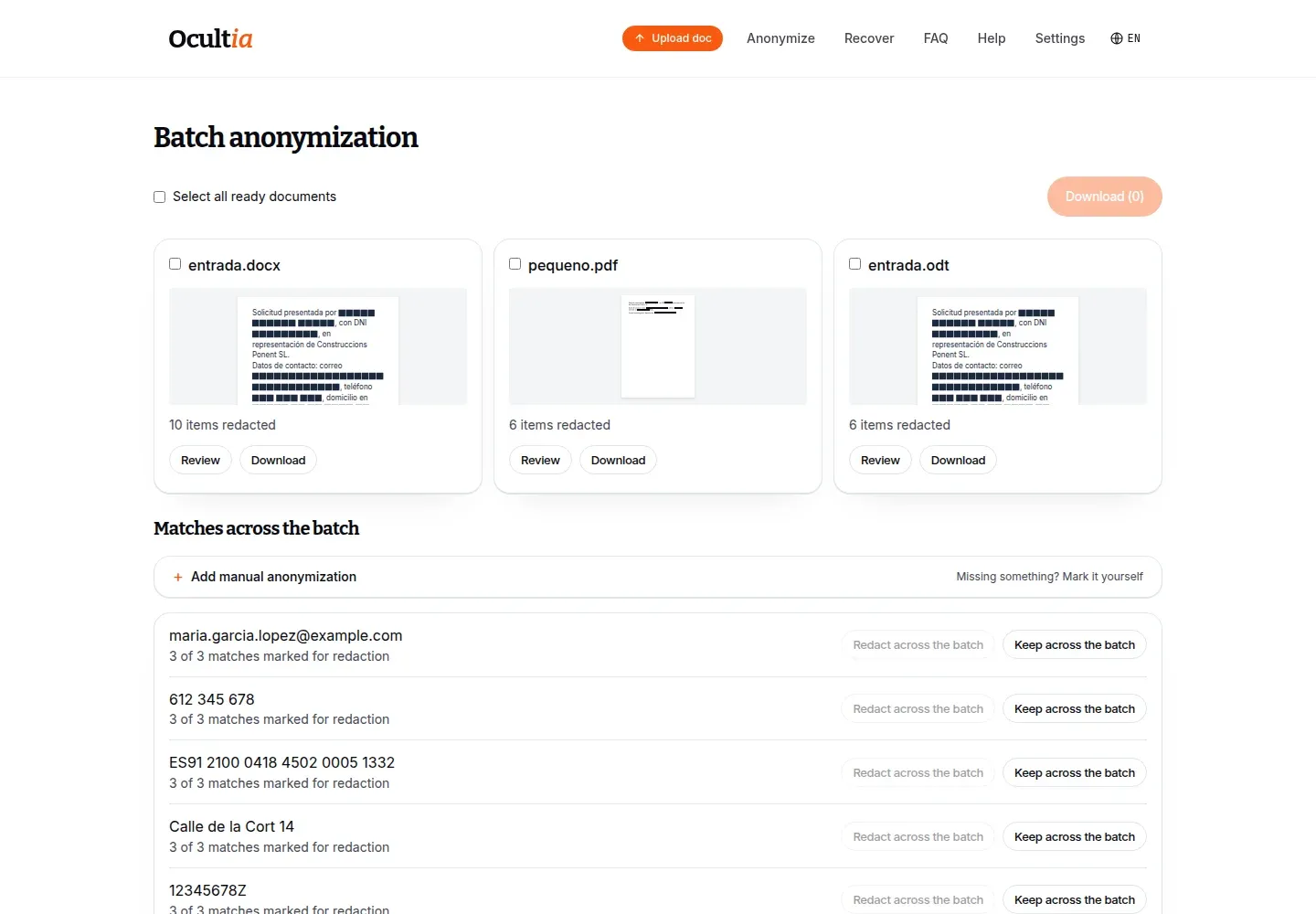
Select Analyze documents. Each file is analyzed in its own language (English, Spanish or Catalan), even if the site is in another one. In the grid, each card shows what is already redacted: the thumbnail carries its bars and, below it, you can see how many items are redacted.
-
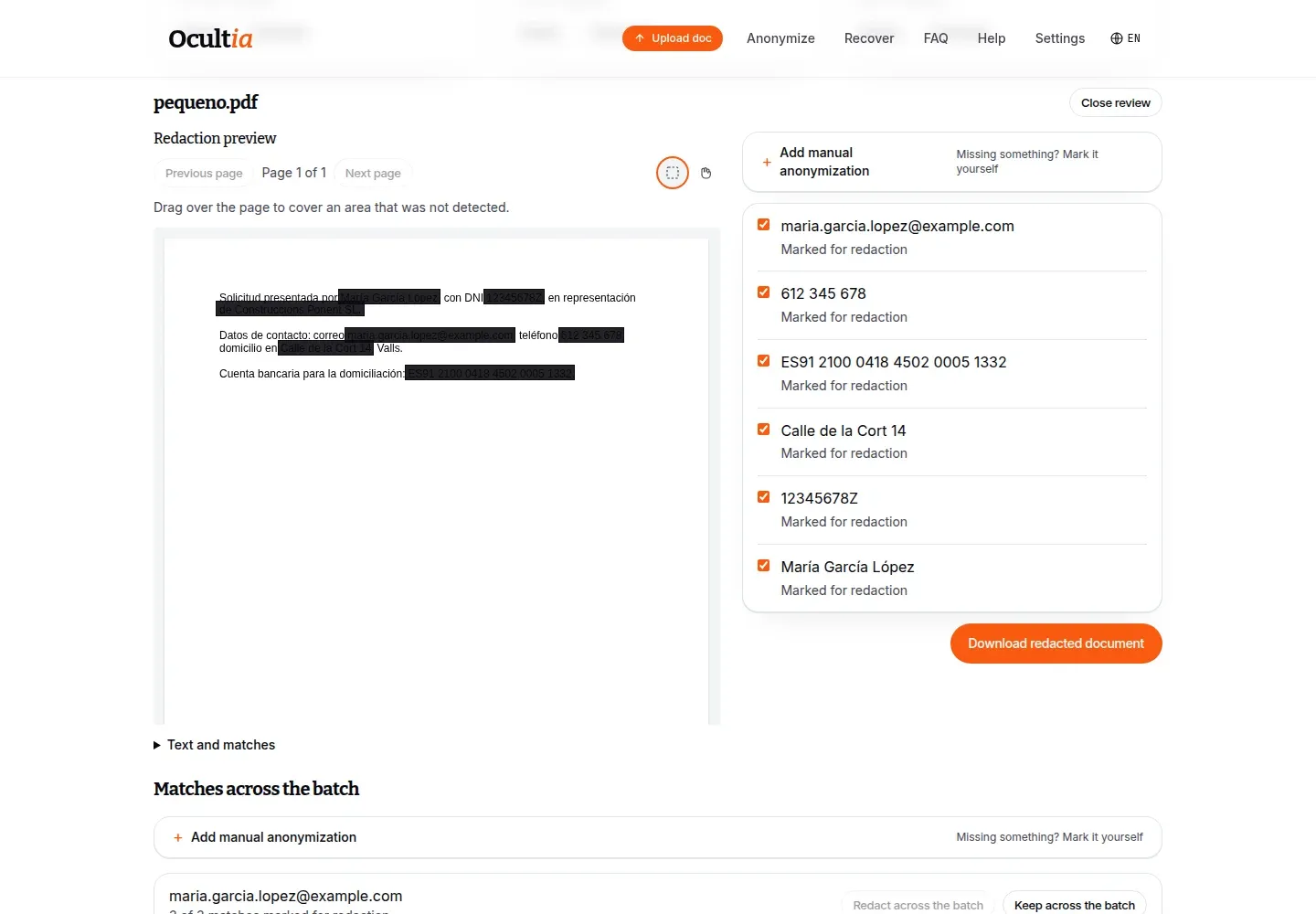
In Matches across the batch, decide whether to redact or keep a match across the set. Select Review on each file to check the result and adjust individual cases.
On a PDF you can also cover an area that was not detected: with Select / draw zones on, drag over the page. With Move / pan, the page scrolls without drawing.
-
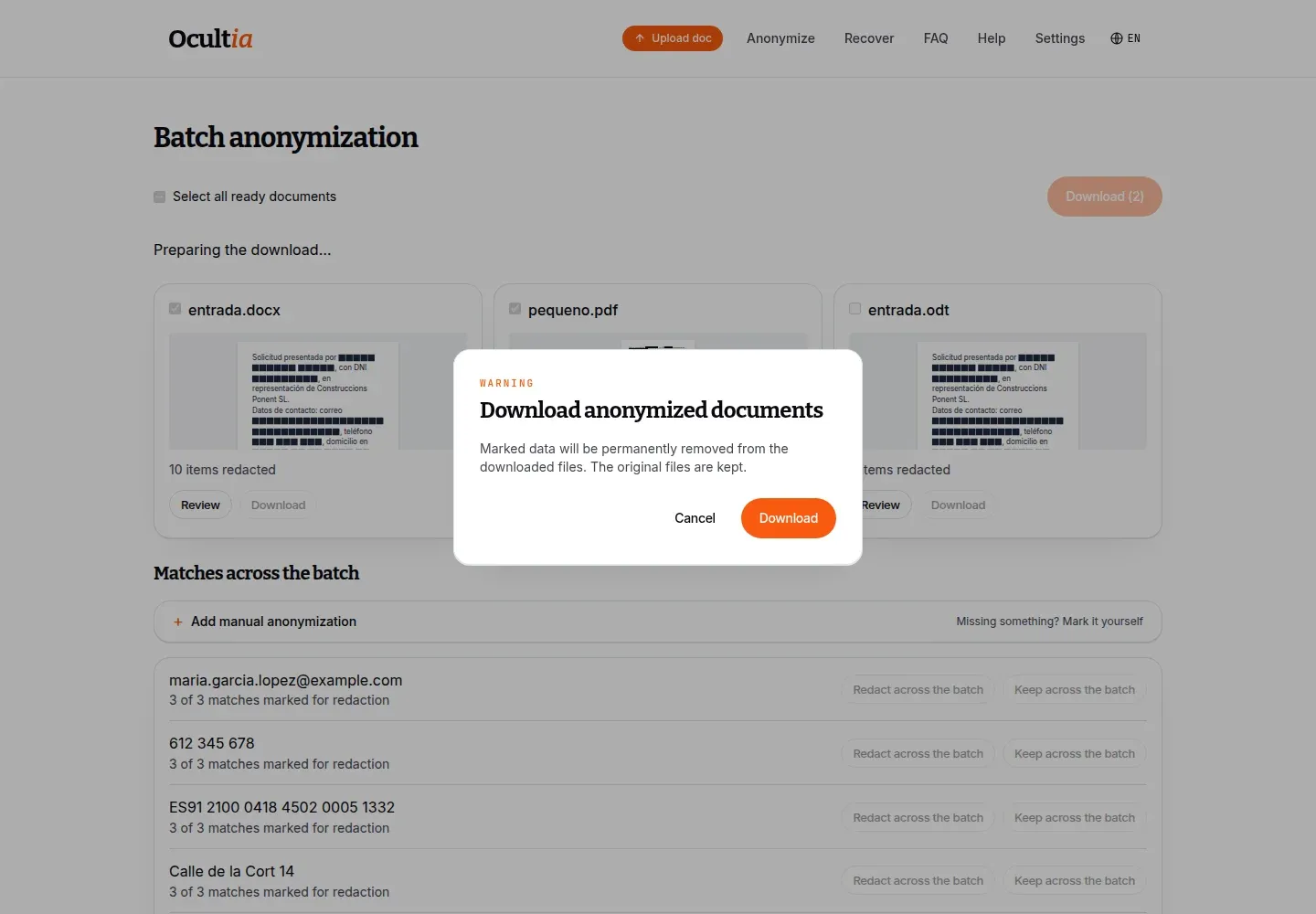
Download a ready document from its card or with Download redacted document in its review, or select several and download them together as a ZIP. Open the copies before sharing them.
A scanned PDF without a text layer can be previewed in a batch. To export it, review and redact it in the single-document workflow.