Anonymize columns in a CSV or TSV
-
Upload a single CSV or TSV file. Ocultia opens the table view.
-
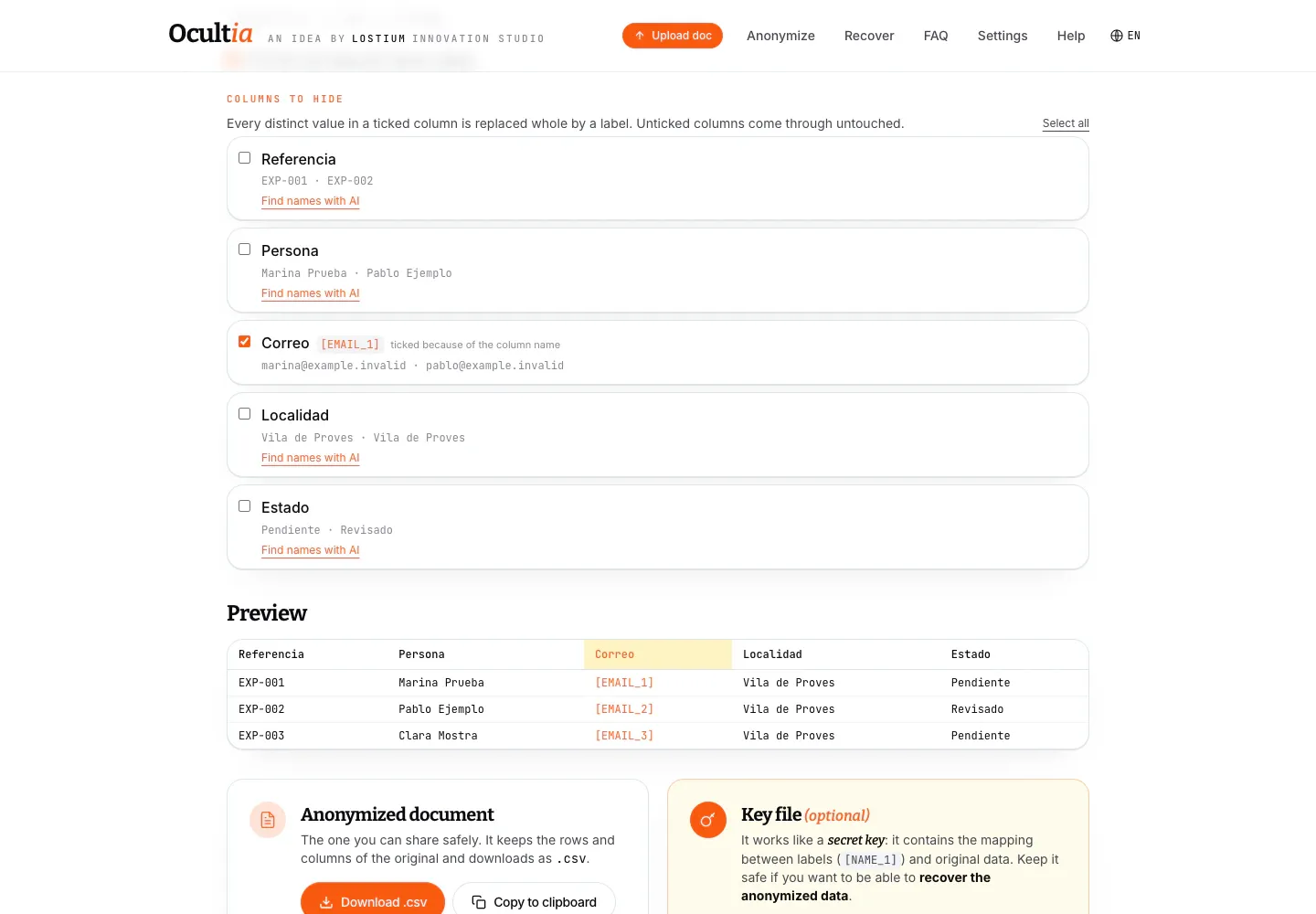
Indicate whether the first row contains column names. Mark each column containing values you want to replace.
-
Check the preview. Values in marked columns are replaced by labels, while the row and column structure is preserved.
-
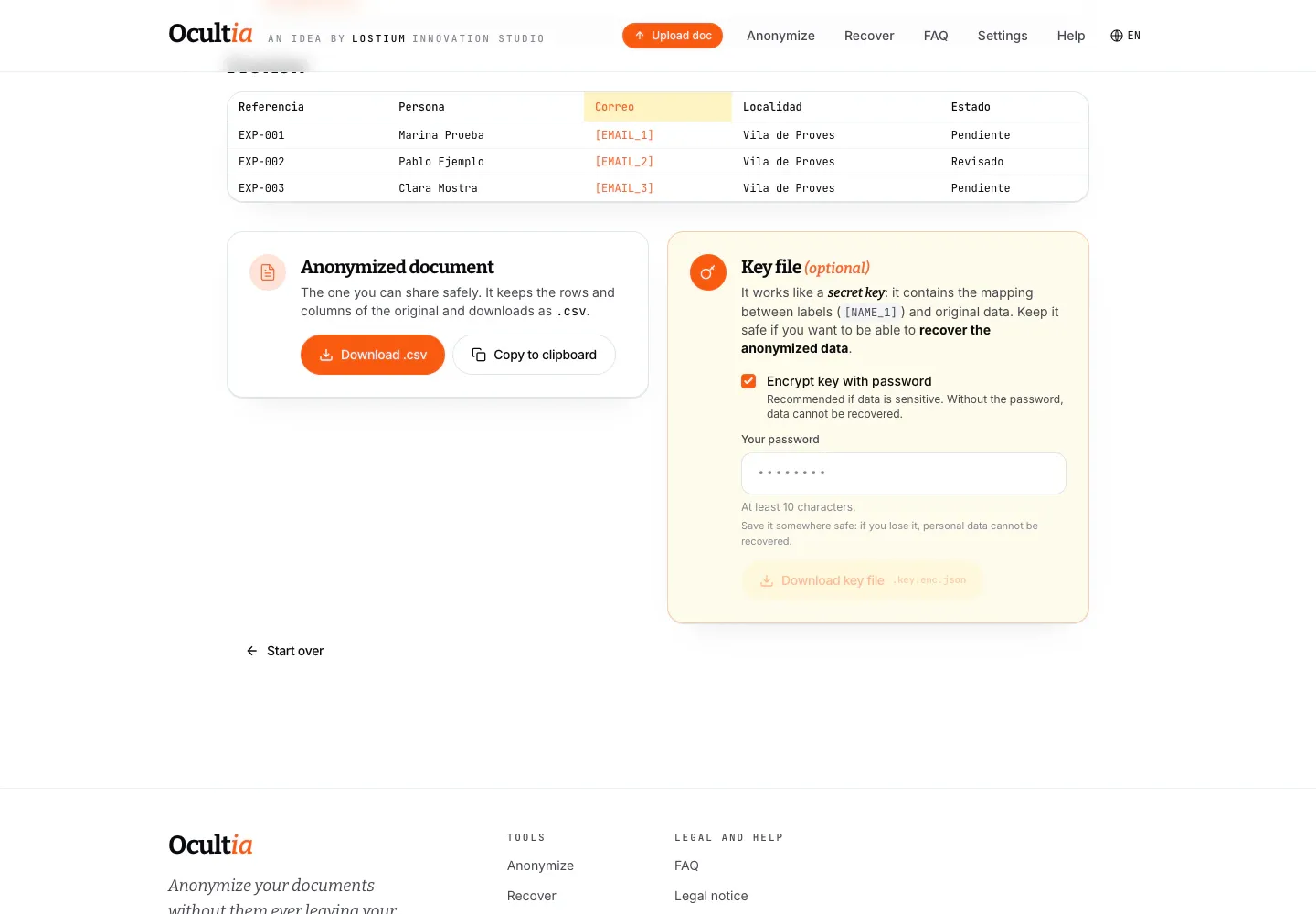
Download the table and review it. Store the key file separately if you need to restore the original values.